HOW TO ENROLL:
OPTION 1: PAY WITH PAYPAL
Just tap Enroll, fill out the form, and complete checkout. That's it.
OPTION 2: PAY WITH E-WALLET OR BANK TRANSFER
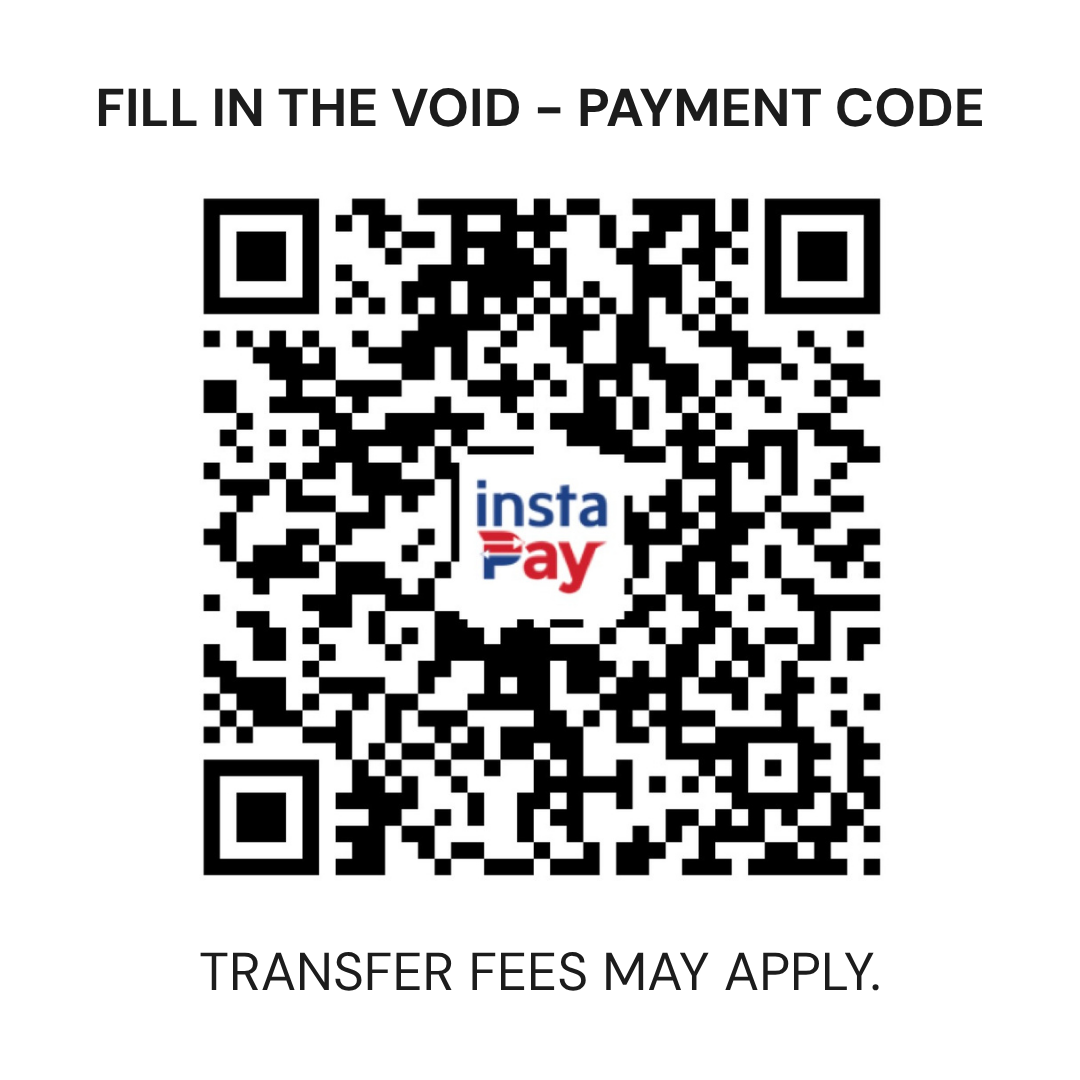
Send your payment first to this QR code:
Then tap Enroll, fill out the form (you'll enter your reference number there), and apply the code FITVPAID in the code box at checkout. After entering, your total will show ₱0 since you've already paid.
Once we've verified your payment, we'll send your Access Pass and the exact campus address.